top of page
Technical Game Designer
Gameplay Systems · Game AI · Tools
Kenechukwu Umelo

Music Player Editor
Area of Focus: Tools Programming
Engine/Tools: Unity
Time of Development: 2 Weeks
Goals:
-
Practice Unity Editor scripting. (Specifically UnityGUI and Editor Windows)
-
Learn how to extract MP3 (or any type of) files from the File Explorer into the engine.
-
Design a pleasing visual player that replicates the experience of using mainstream music services.
"What if I could enjoy my music without ever leaving the engine?"
This random thought sparked the idea for an Editor Music Player, a Unity Editor tool that lets developers upload and play their favorite tracks directly in the Unity Editor, preventing application switching.
References:
-
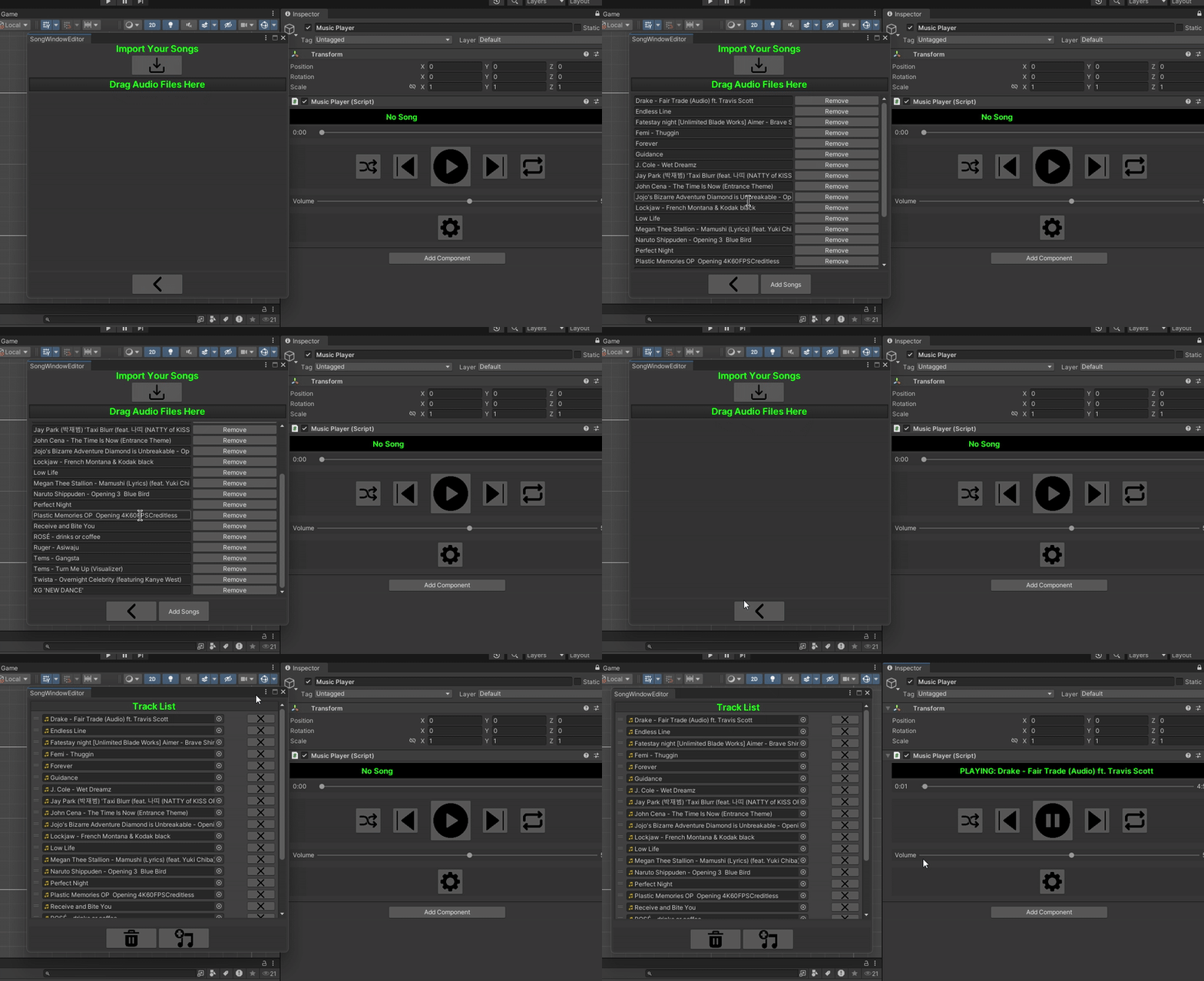
To script a music player, I first wanted to gather UI references from other music platforms, such as Spotify, Amazon Music, Apple Music, and Pandora. I aimed to design a UI layout that would be familiar to users of music streaming apps.


Prototyping to Editor Scripting:
-
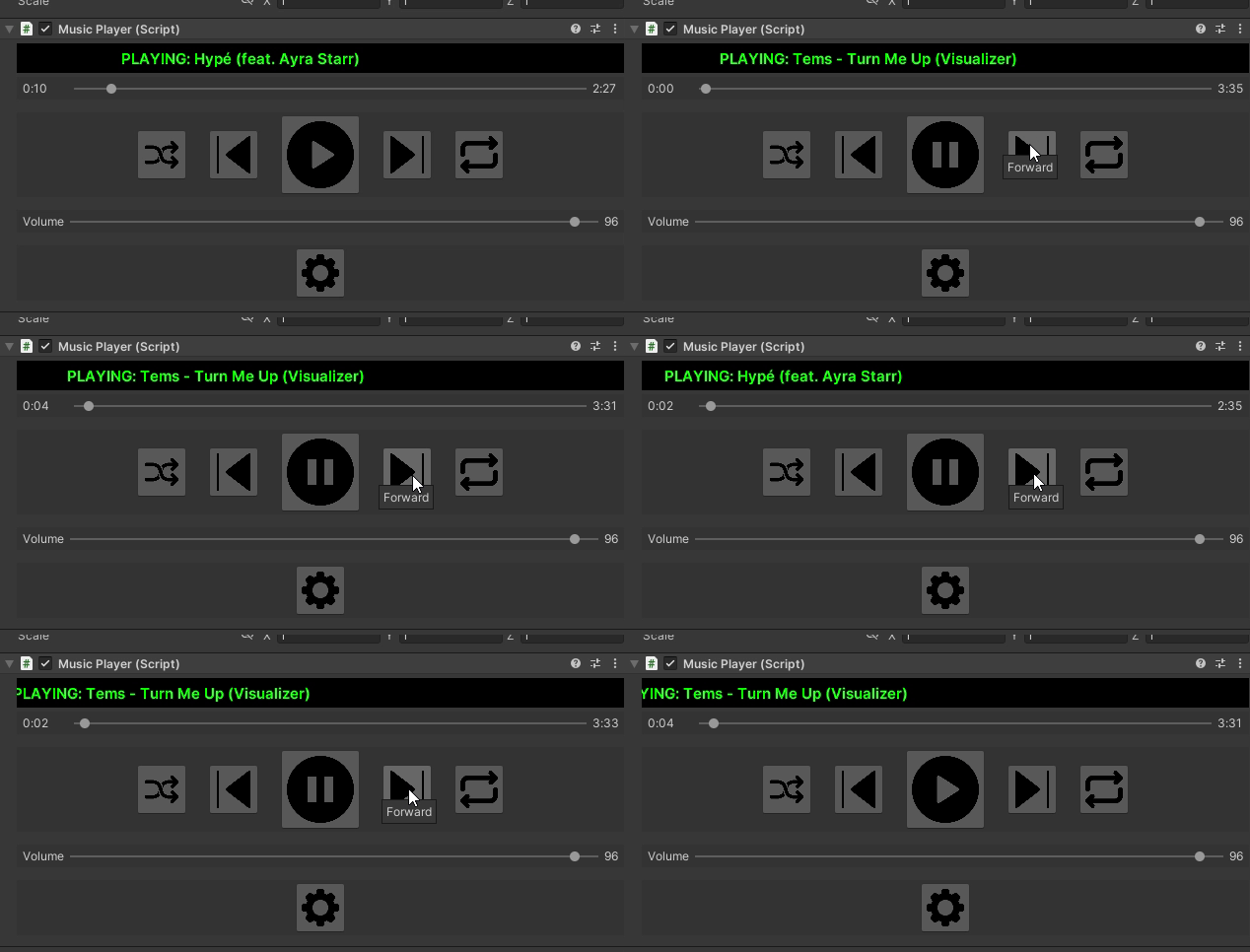
Before diving into in-depth editor scripting, it's essential to quickly prototype the system to validate the idea and understand what is running under the hood. I first got the music player working by ensuring it played correctly in the editor and in the background as intended. Once the system was polished, I designed the inspector to display a visual music player.
Prototype


Final
Song Importing and Editing Settings:
-
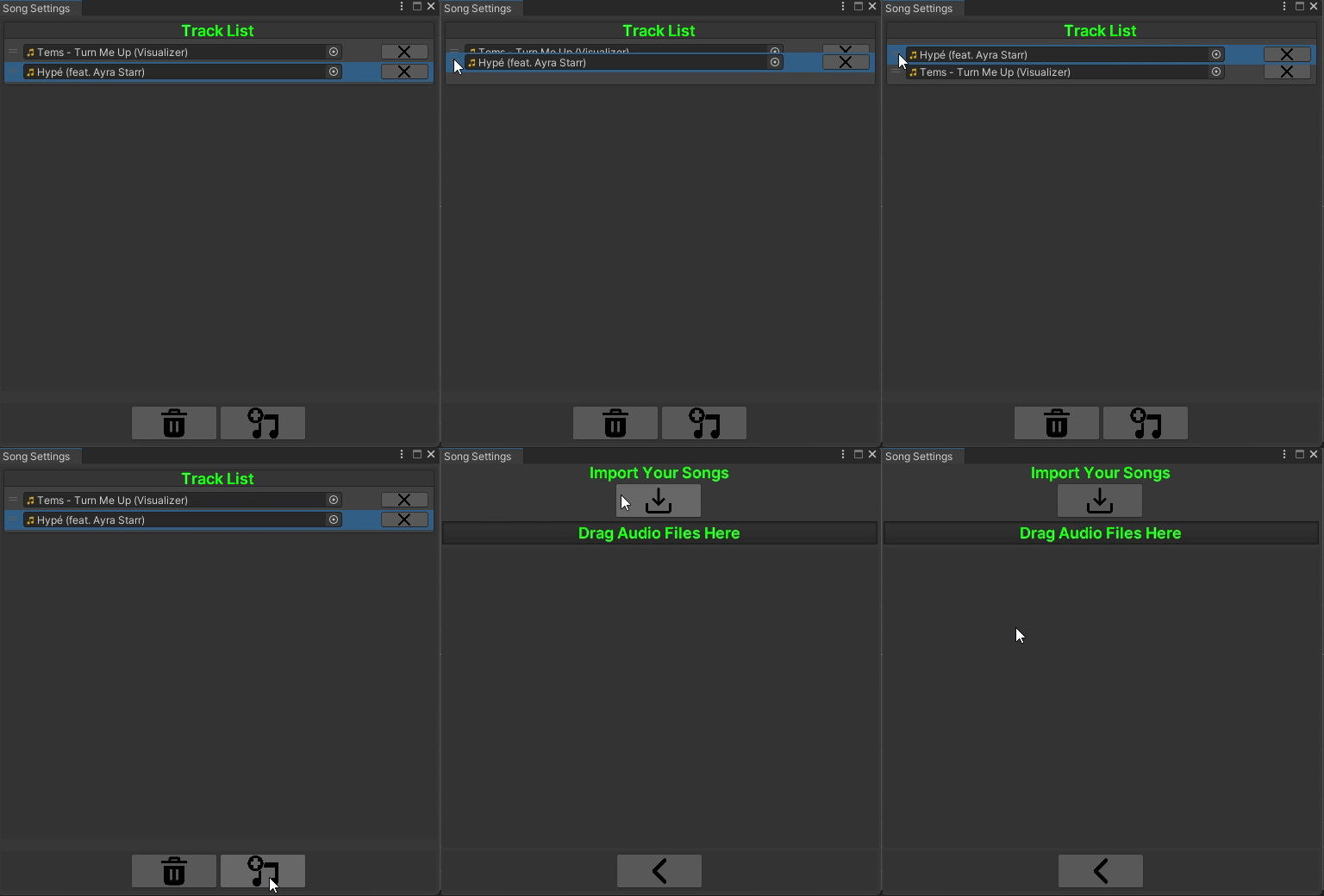
Once the inspector was implemented, I used the Editor Window to create a playlist editor to manage user-entered songs. It needs to support tasks such as reordering the track list, adding or removing songs, and importing music files into Unity.
Importing any MP3 file within a folder to the editor
Drag-and-drop feature
Add, Organize, or Remove Songs at any time
bottom of page